Download the app
Install Pelin from its App Store or Google Play link.
Pelin, step by step
From produce selection to final delivery, the ordering process takes place inside the mobile app.
Install Pelin from its App Store or Google Play link.
See the fruits and vegetables available in the mobile app.
Add or save an address within the supported area in the app.
Choose from the Fruits and Vegetables categories in the app.
Confirm an available secure payment method in the app.
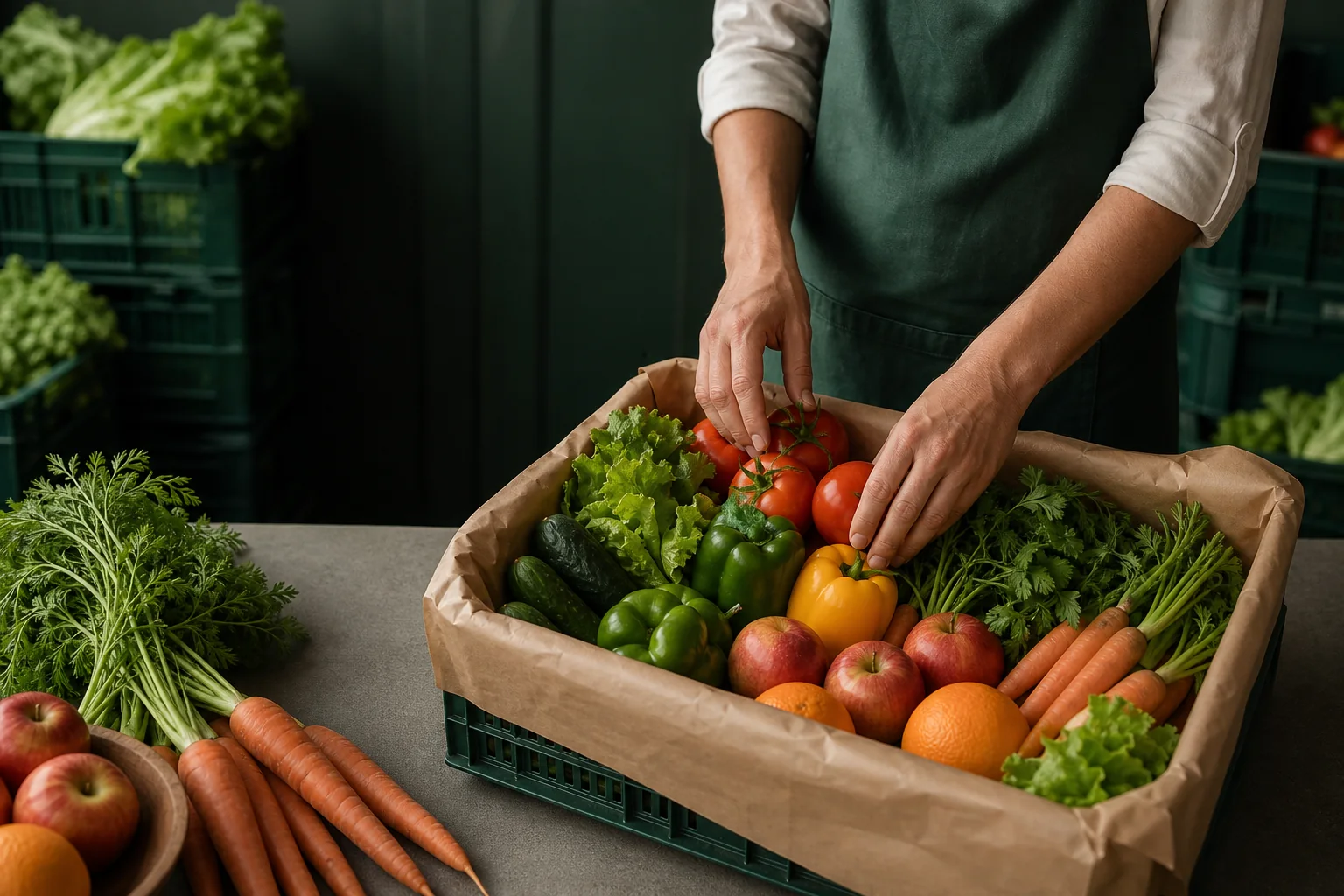
The team selects and checks fresh produce, then packs it carefully for delivery.
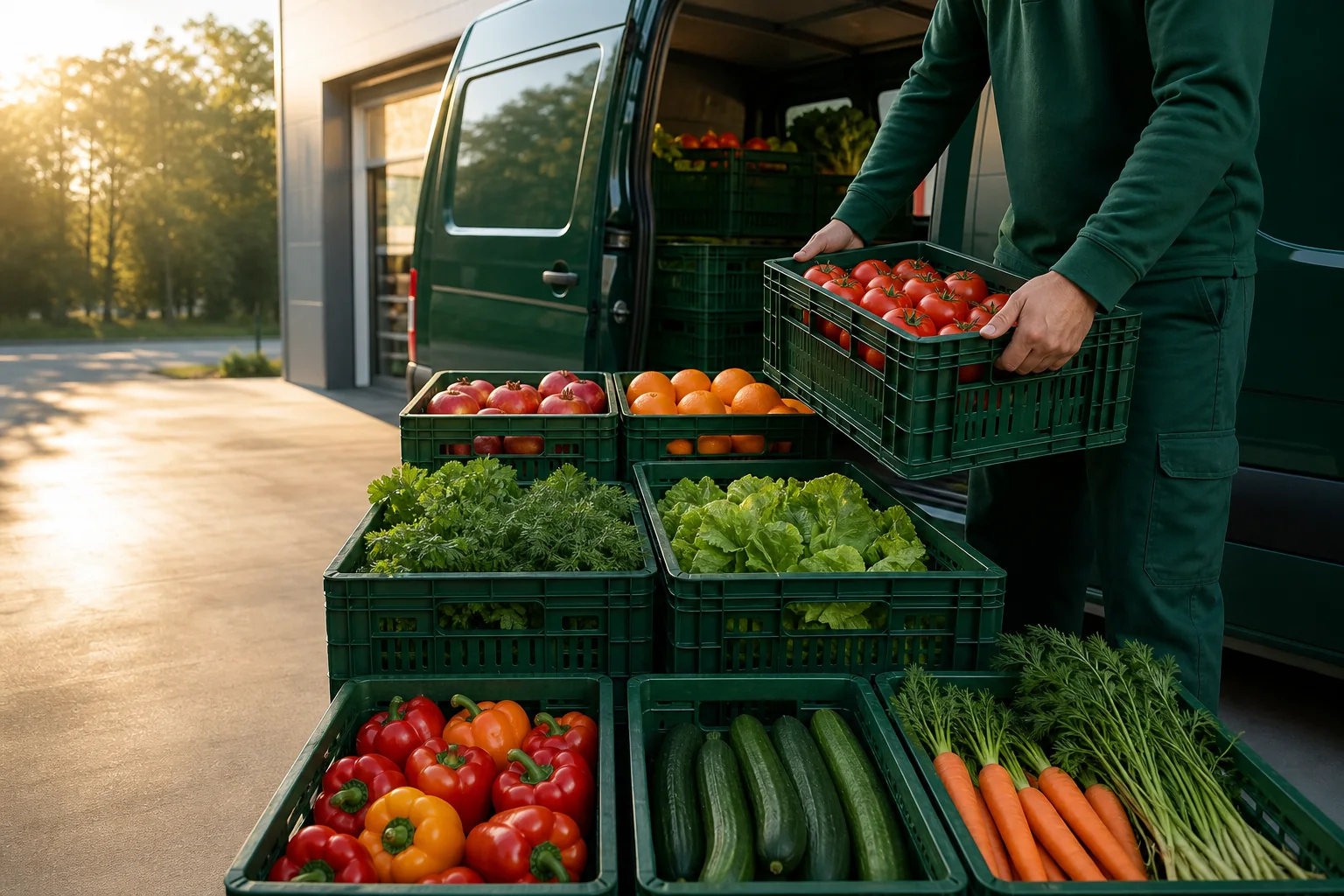
A route is prepared for the delivery zone and current operation.
Follow preparation and dispatch stages inside the app.
Receive the order at the selected address.
This website contains no registration, address entry, product selection, cart, or payment functionality.
Pelin on your phone
Scan the QR code with your camera to open the app page. The destination is currently a clearly marked placeholder.